
Start with the quick start for the shortest path to a working scenario.
Then open the protocol, browser, reporting, or cluster guide that matches your workload.
Browse LoadStrike examples, quick starts, protocol docs, browser docs, and reporting assets.
Browse LoadStrike examples, quick starts, protocol docs, browser docs, and reporting assets.
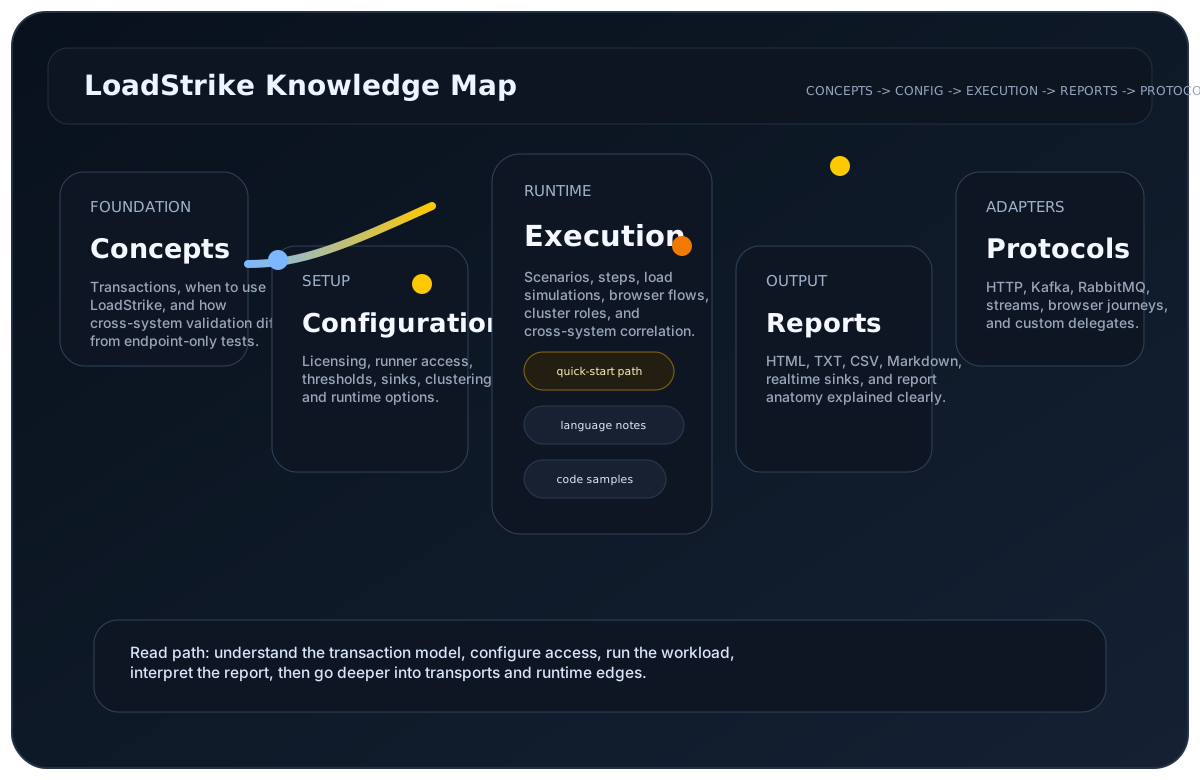
Start with the quick start for the shortest path to a working scenario.
Then open the protocol, browser, reporting, or cluster guide that matches your workload.
Engineers and buyers who know the workload shape and want the right example quickly.
Examples are hard to find when they are split by API surface instead of workload need.
This hub groups quick starts, browser runtimes, streams, clusters, and reporting sinks.
Fastest path into a working LoadStrike run.
Build one request-step scenario and run it.
Pick the right package and runtime first.
Review the public sample-reference repository linked from the site footer and docs.
Choose the docs that match your workload.
Model browser journeys inside the same scenario contract.
Run Selenium-based browser workflows under the same reporting surface.
Define Kafka producer and consumer endpoints with tracking fields.
Connect reports to Datadog, Loki, OTEL, Splunk, InfluxDB, or TimescaleDB.
Use starter dashboards, sink templates, and files before customizing.
Open the Datadog sink page and its downloadable JSON template.
Open the Grafana Loki page with dashboards, datasources, and OTLP starter files.
Open the OTEL sink page and collector starter configuration.
Inspect measured HTTP-to-RabbitMQ completion evidence and reproduce the documented workload with an eligible runner entitlement.
See all 18 repetitions, methodology and limitations.
Pinned source, dependency lock, Compose, execution and analysis instructions; no runner key included.
Yes. Links point to published docs, downloads, or sample references.
Start with the Playwright or Selenium pages, then open browser load testing.
Open realtime reporting docs, then choose the sink page you need.
Start with the implementation details that match this page.
Build one basic request-step scenario around GET /orders/{id}, run it, and confirm the report before moving into correlation-specific features.
Use this guide when Playwright browser journeys should run inside the same LoadStrike scenario and reporting model.
This page explains how to read a LoadStrike report. Use it when you want to know what each section means and where to look first.
Use these comparison pages if you still need a tool-level decision.
Compare LoadStrike and k6 for APIs, Kafka, browser tests and async completion, including correlation requirements, extensions and hosting tradeoffs.
Compare LoadStrike and Apache JMeter for async completion, JMS, browser execution, reports and self-hosted testing, including setup and licensing requirements.
Connect the run output to the observability backend your team already uses.
See how the LoadStrike Datadog sink fits into transaction-aware, self-hosted load testing workflows.
See how the LoadStrike OTEL Collector sink fits into OpenTelemetry-oriented reporting workflows.
Start with the core product framing.
Jump straight to browser-specific positioning and docs.
See how the example set maps to async workflows.
Open the quick start or choose the docs path that matches your workload.